Create Message Sequence
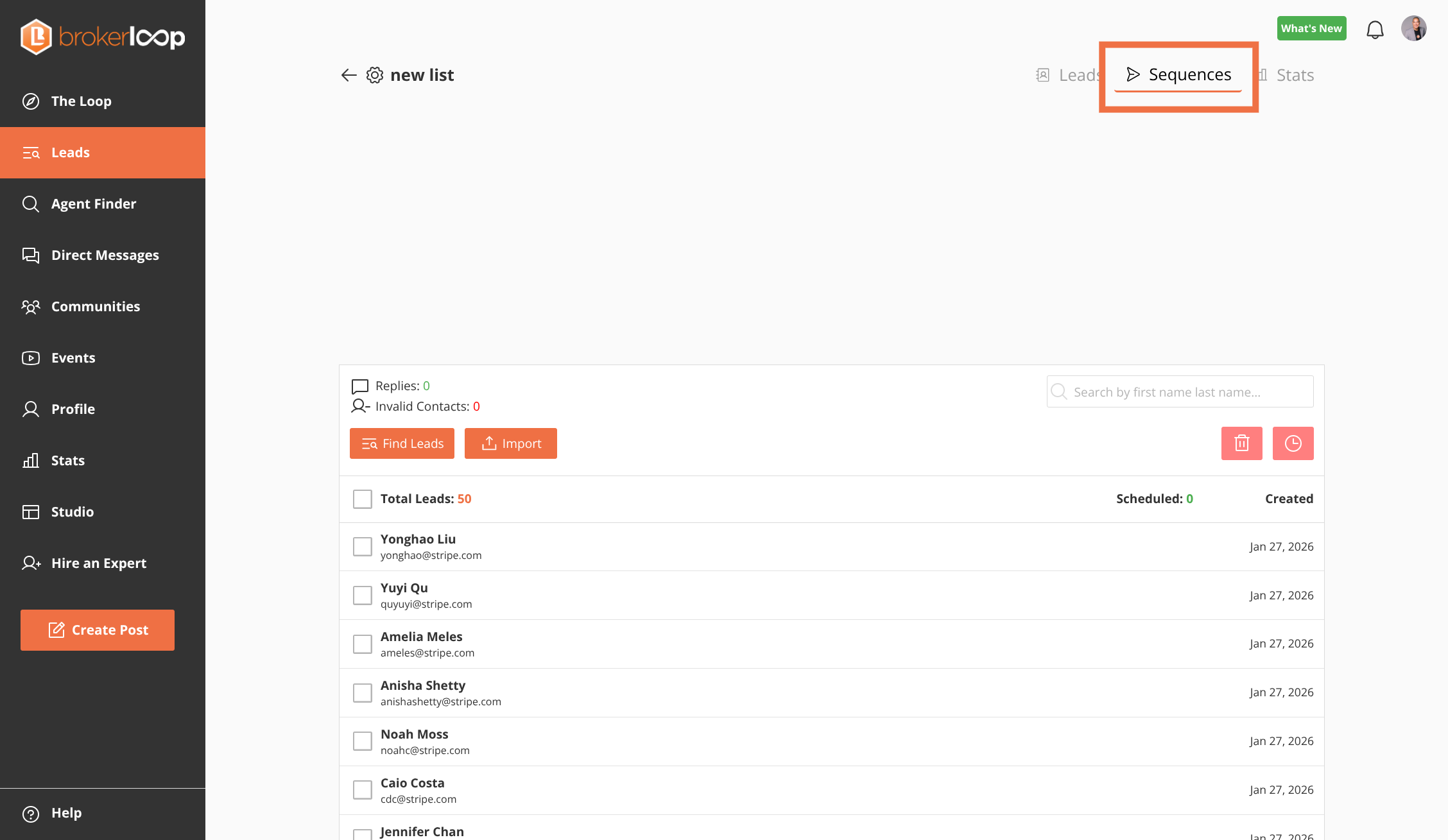
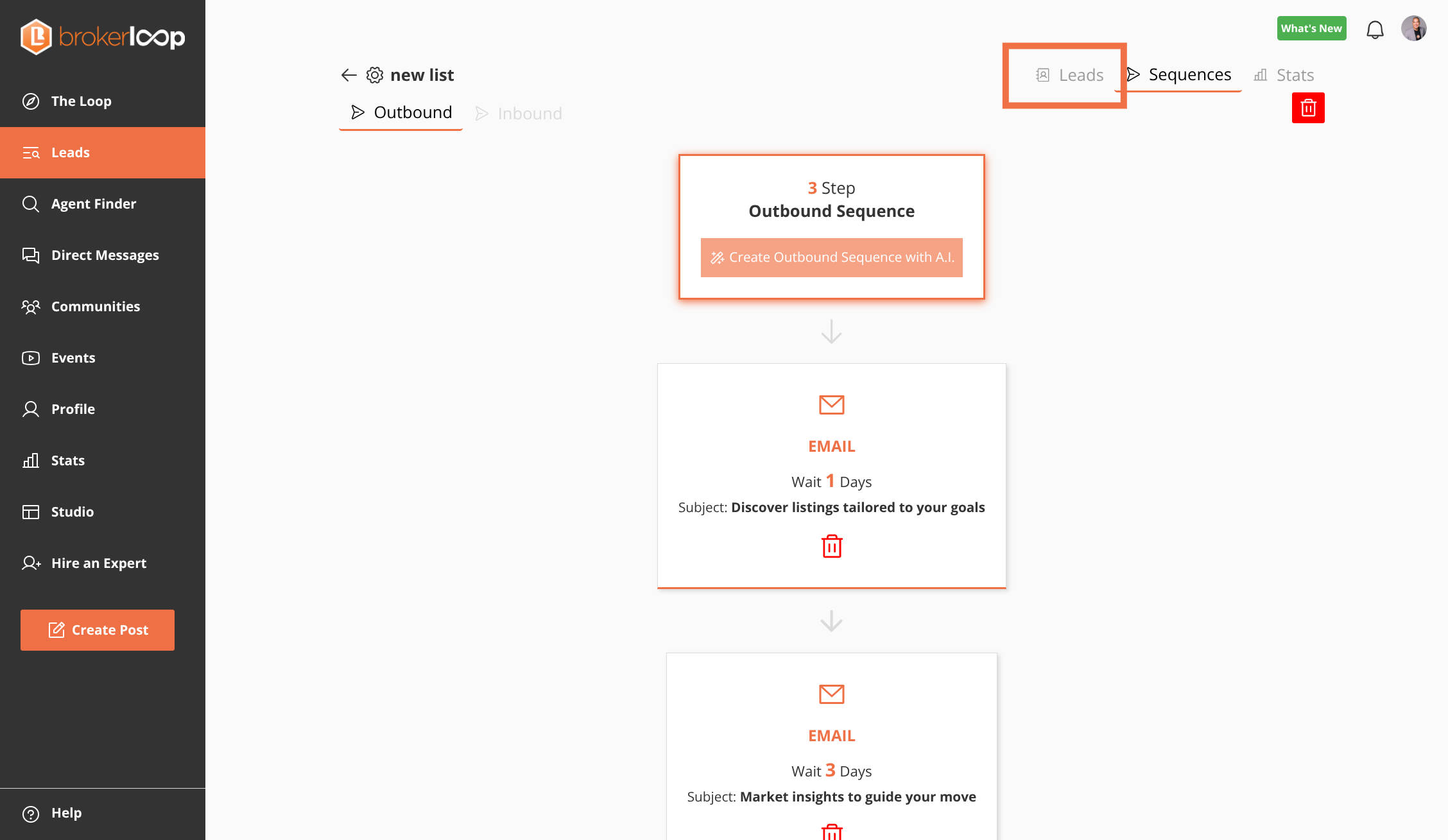
Step 1: Select the 'Sequences' tab to manage your outreach flows
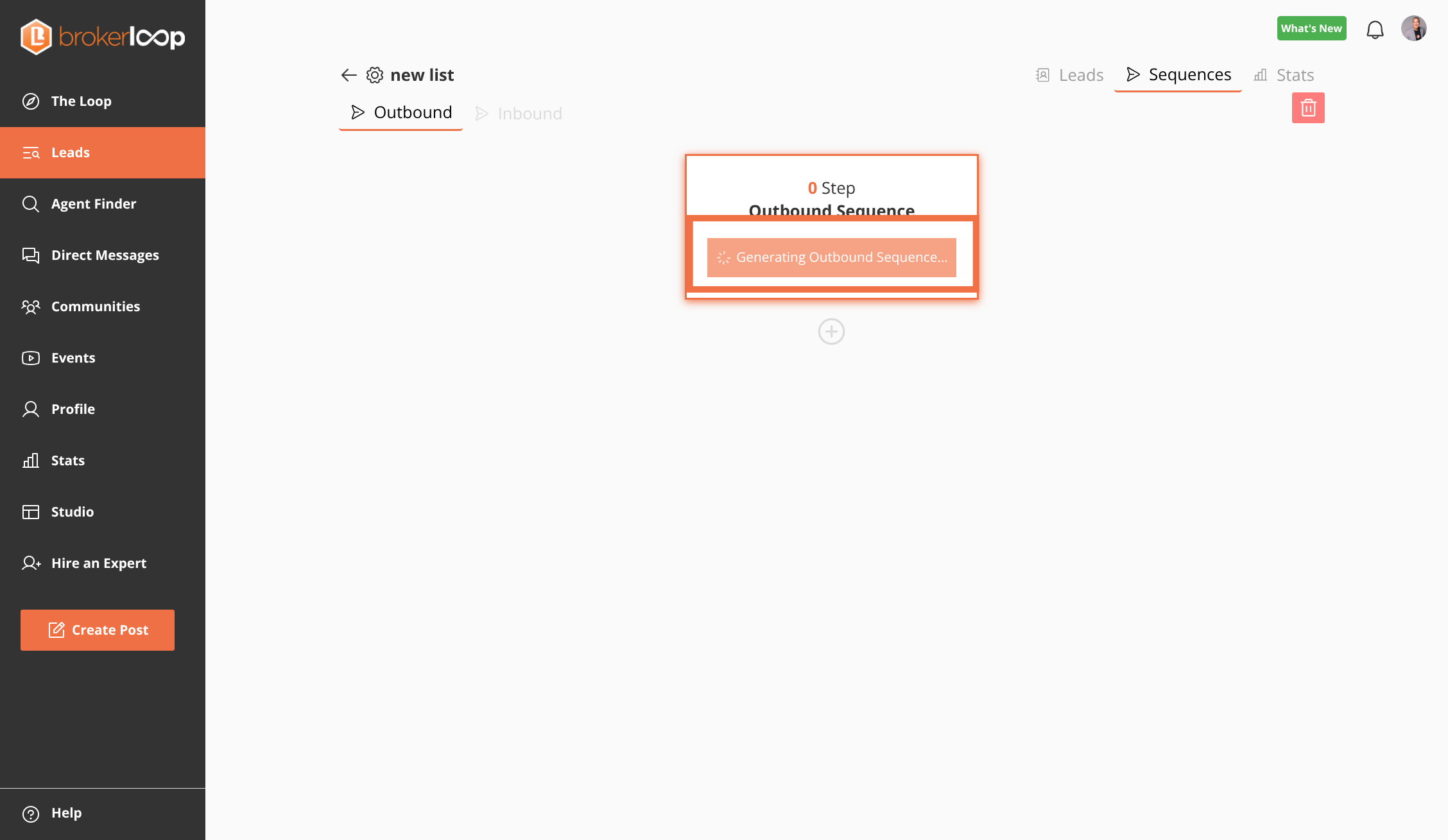
Step 2: Generate an outbound sequence using AI
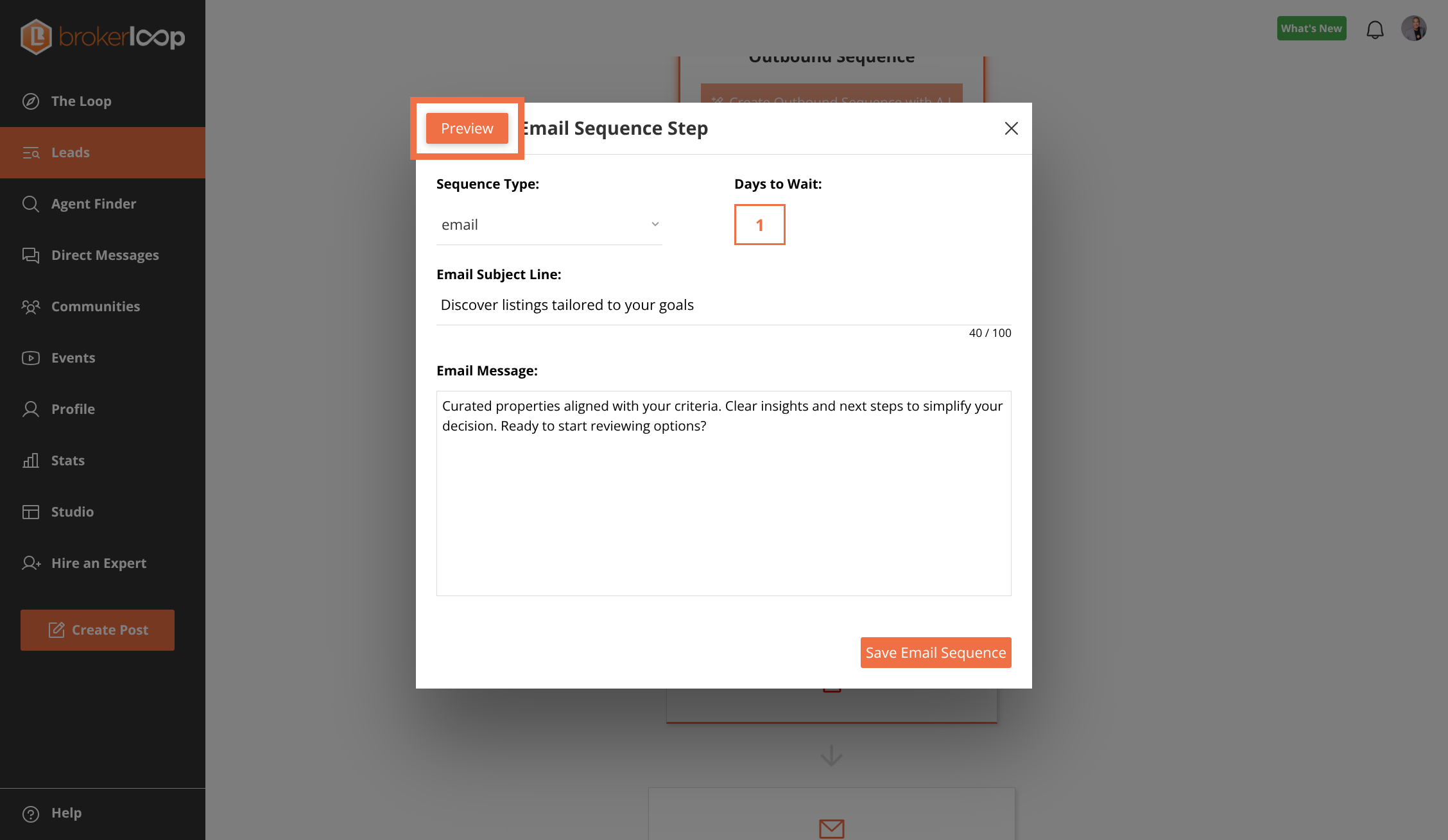
Step 3: Review message step in the sequence
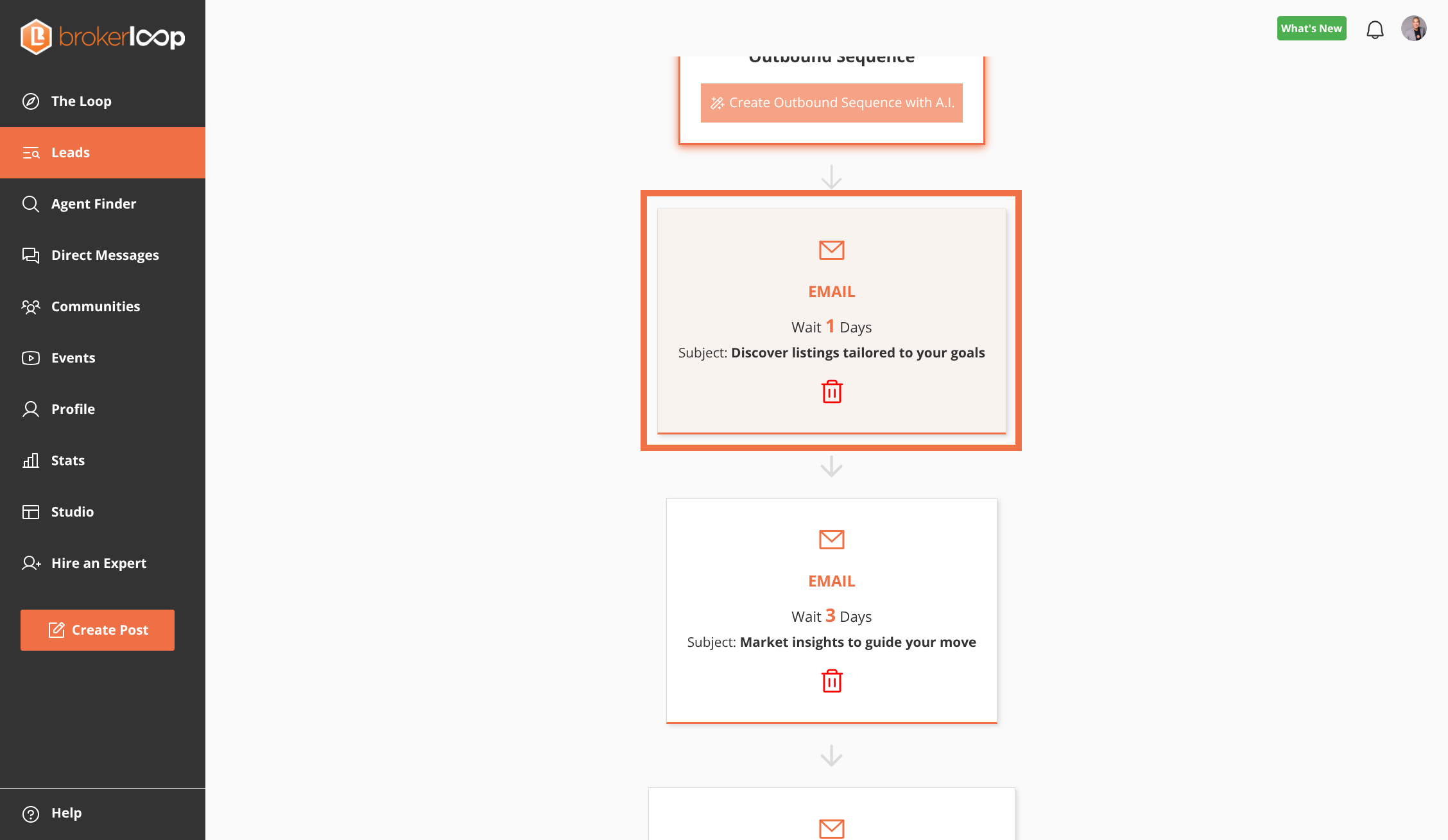
Step 4: Preview the email message, set Days to Wait, Email Subject and message body
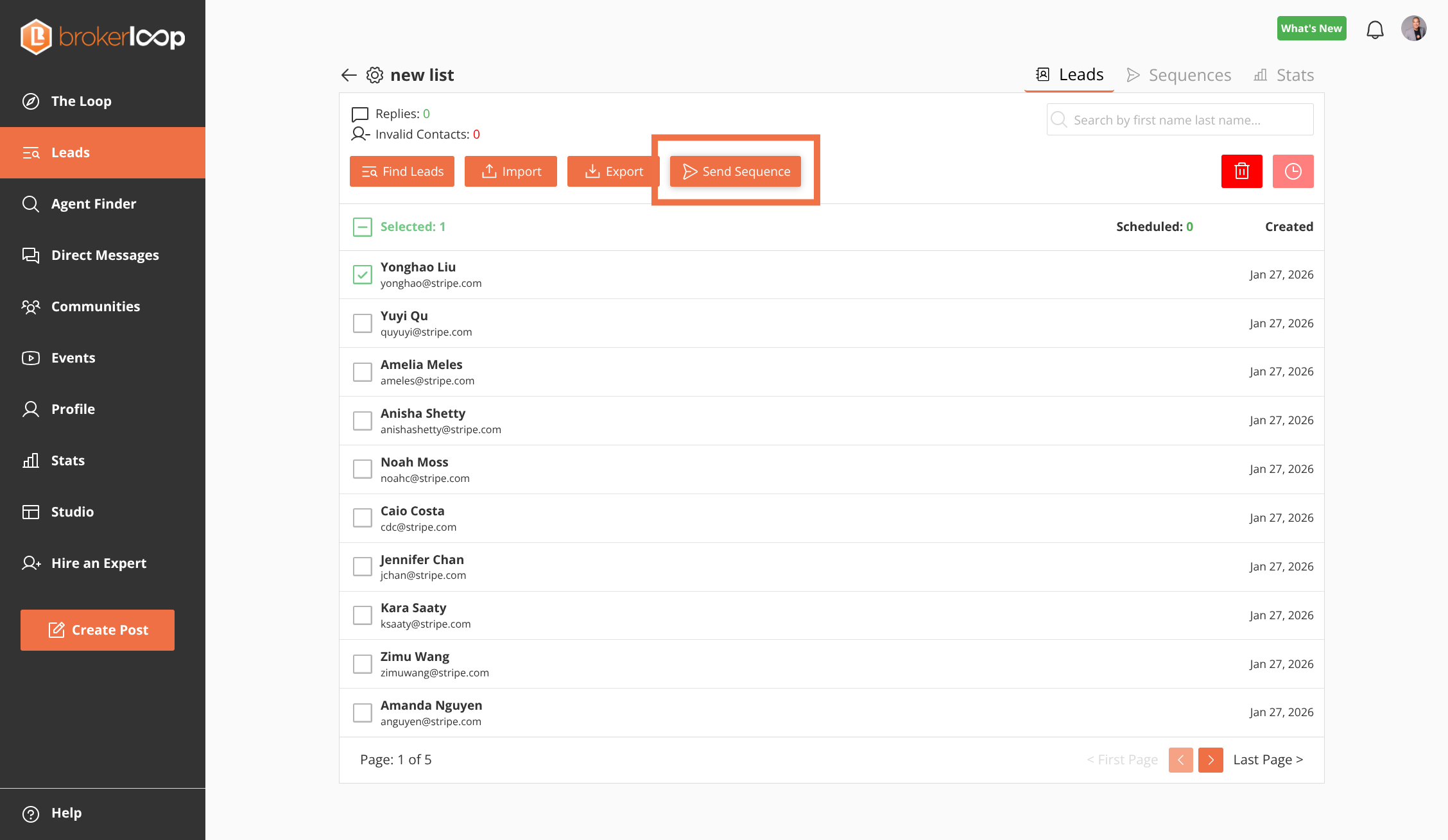
Step 5: Return to the 'Leads' tab to select contacts for the sequence
Step 6: Select Leads, then Click 'Send Sequence' to begin the scheduling process